
Contractor Phone System That Rings Your Whole GTA Crew and Texts Back Missed Calls
One business number rings several crew members at once. If nobody answers a new caller, they receive a text immediately, and the missed call stays on your customer record for follow-up.
Your crew is on ladders, under sinks, in customers' homes, and driving between jobs, and nobody is sitting at a desk waiting for the phone.
Meanwhile, the homeowner calling you may have three other contractors on their list.
Your Next Customer Might Be Calling Right Now
A homeowner has a burst pipe, a broken furnace, or water coming into the basement. They find you online and call, but nobody answers, so they leave a voicemail or hang up and call the next contractor.
You pay to make that phone ring, and a missed call can cost you the chance to quote the job.
The Growth Engine catches that call three ways:
- More chances to answer: one business number rings several crew members, not one phone.
- A fast reply to missed calls: if nobody answers a new caller, they get a text with links to an online estimate and booking.
- A record of every call: your crew sees who called, what was missed, and who needs a callback.
Someone still has to answer or call back, and the Growth Engine puts the call on more phones and the callback on a list.
One Business Number Rings Multiple Crew Members
When a homeowner calls your company number, several crew members' phones ring at once, and whoever is free answers. The customer never needs to know who is working or whether anyone is at the office.
While one crew member is on a call, another can answer the next one. When homeowners, suppliers, subcontractors, and current customers call at the same time, each call rings the crew members who are still free.
Keep the Business Number Your Customers Already Know
Your number is already on your trucks, signs, business cards, invoices, and Google Business Profile, and customers have it saved.
On the Own Website Plan, I move your current number into the Growth Engine, so customers keep calling the number they know.
If you leave the Growth Engine, you move your number to the phone company you choose.
On the Pay When Paid Plan, I provide your business number, and it stays with the shared website when you leave.
Use Your Existing Smartphones Without Sharing Personal Numbers
The Growth Engine app adds your business number to the phones your crew already carries as a second line, with no second SIM card. They make and take business calls in it.
Calling and texting work like your phone's own number, with two differences: everyone with the app sees every text, and everyone sees each call's status as crew members update it, like a missed call someone already returned.
Customers see your business number, and each crew member's personal number stays private.
Calls reach your crew anywhere their phones have a data plan or access to Wi-Fi.
Every Missed Call Stays in the Growth Engine App
Even with several phones ringing, someone is always up a ladder, running a saw, or driving, so what happens next decides whether you keep the customer.
When nobody answers:
- The missed call is saved in the Growth Engine app.
- The caller can leave a voicemail, saved with their record.
- Your crew receives an alert.
- Anyone with the app can see the missed call and follow up.
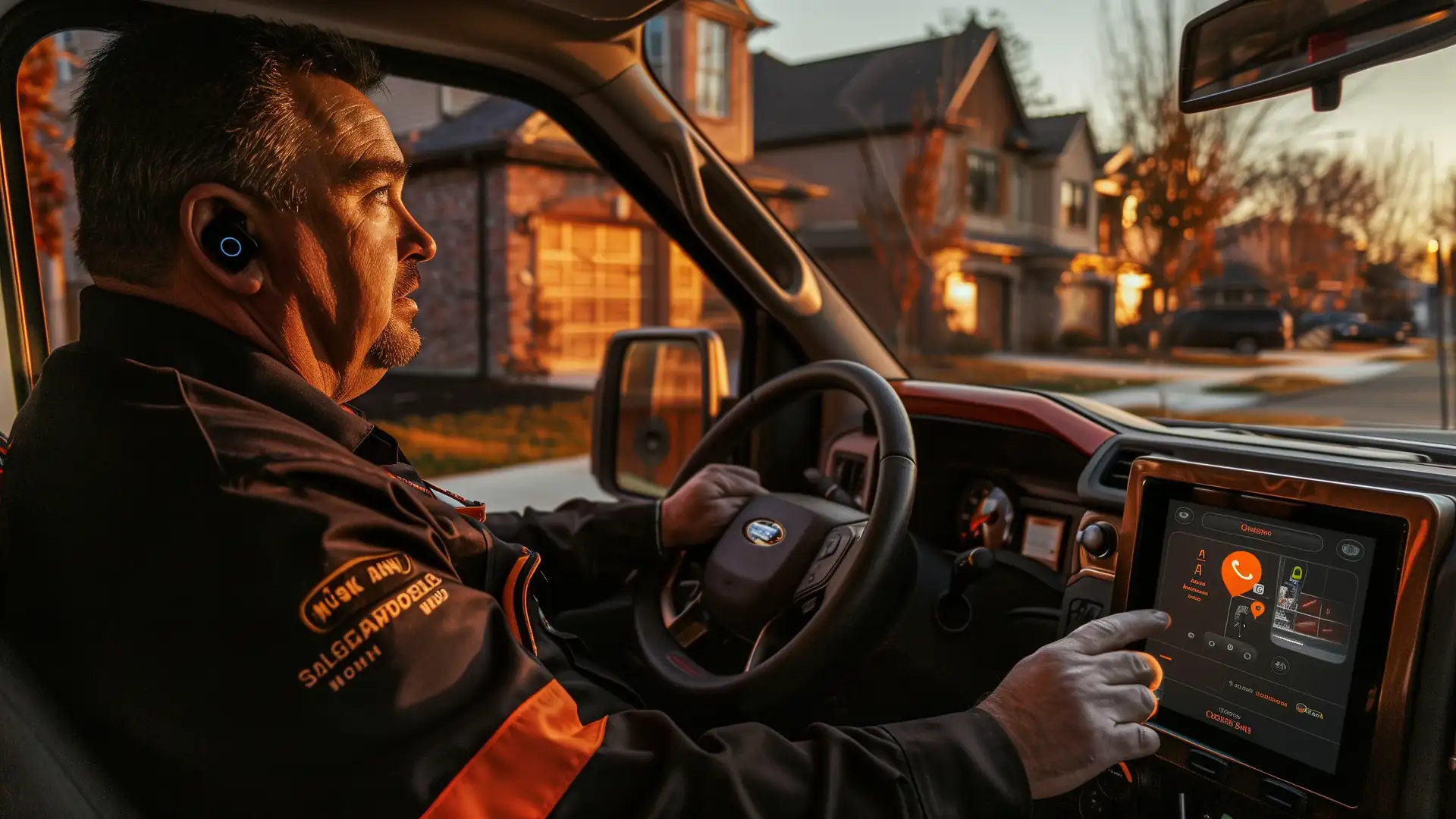
On your truck's screen, your crew sees missed calls, upcoming visits, and directions to the next job. See the Growth Engine app on your phone and on your truck's screen.
Automatically Text a Caller When Nobody Answers
If nobody picks up a call from a new number, Missed-Call Recovery texts the caller from your business number. The text says you got the call and links to your online estimate and booking.
Suppliers, subcontractors, crew, and current customers are already saved, so they get no automatic text, and their missed calls wait for a callback from your crew.
Someone with a plumbing problem gets an estimate and books a visit right away, on their own, while your crew finishes the call they're on.

One Business Number for Calls and Text Messages
Some homeowners prefer to text an address, a photo, or a question. Customers can call or text the same number, and your crew calls or texts back from it.
Everyone with the app sees every customer conversation, including the automatic missed-call texts, and you decide who receives the app.
If one worker asks a homeowner for their address and another takes over later, the second worker sees what was already said, so the homeowner never repeats anything.
Know Who's Calling Before You Answer
Not every caller is a new customer, since you also hear from suppliers, subcontractors, and your own workers.
The Growth Engine saves each number as a customer, supplier, subcontractor, or worker, and when the phone rings, the caller's name and type appear with the call.
Missed calls from homeowners go on your customer callback list, so that list only holds people who may want to hire you.
Every Business Call Is Recorded
A customer remembers a different price, or someone disputes the visit time, and without a record it is your memory against theirs.
The Growth Engine records incoming and outgoing business calls, and anyone with the app can play them back. Each recorded call opens with a short message telling the other person the call is recorded, so you meet Canadian privacy rules. You can turn call recording off at any time.
How the Contractor Phone System Works
I handle the phone system. Your crew handles the customer conversations.
What I Do
- Transfer your current business number on the Own Website Plan, or provide one on the Pay When Paid Plan.
- Provide the Growth Engine app, which adds your business number to each crew member's phone as a second line, with no second SIM card.
- Configure the phone system for your company.
- Run and maintain the cloud phone servers.
- Connect the phones to the Growth Engine's customer records for follow-up by your team.
What You and Your Crew Do
- Answer customer calls whenever you can.
- Listen to voicemail messages.
- Call back the calls nobody answered.
- Call and text customers from the company number.
- Decide who on your crew receives the app.
Stop Letting One Missed Call End the Conversation
Book a 20-Minute Review. I review how your company handles calls today, what happens when your crew is busy, and which of those calls the Growth Engine catches.
Common Questions About Contractor Phone Systems
How does the Growth Engine phone system work for a contractor crew?
One business number rings several crew members through the Growth Engine app on their phones. Calls and texts connect to customer records, and crew members use the business number instead of their personal numbers.
Can I keep my current business phone number, and what happens if I leave?
Yes, on the Own Website Plan, when your current provider allows the transfer, and I confirm that before setup. If you leave the Growth Engine, you move the number to the phone company you choose once your account is paid in full.
On the Pay When Paid Plan, I provide your business number, and it stays with the shared website when you leave.
Does the Growth Engine replace my business phone system?
On the Own Website Plan, yes, once the setup and number transfer are confirmed, and I review the transition with you before changing your existing service.
On the Pay When Paid Plan, the shared website's number rings your crew's phones, and your current number stays with your phone company.
Can contractors see calls on a truck's smart screen?
Yes. Through Android Auto and Apple CarPlay, your truck's screen shows missed calls, upcoming visits, and directions to the next job.
What happens if my phone has no mobile data or Wi-Fi?
Calls ring on every crew phone with a data plan or access to Wi-Fi, and whoever is connected answers. If nobody answers, the caller can leave a voicemail on the customer record. Texts to your business number are kept and show up once your phone reconnects.
Does a missed caller get an automatic text?
Yes, when the number is new to you. The Growth Engine texts the caller back right away with links to an online estimate and booking, and the text goes on the customer record. Missed calls from saved numbers, such as suppliers, subcontractors, and current customers, wait for a callback from your crew.
Related Contractor Software
- Contractor Follow-Up Automation: how missed calls, open estimates and quotes, and unpaid invoices get followed up automatically.
- Growth Engine App: how customer records, calls, texts, visits, and job details stay together.
- Contractor Online Booking: let homeowners book visits without waiting for your crew to answer.
- Restoration Contractor Software: how emergency water and fire calls reach whoever is on call and stay on the homeowner's customer record.
- Contractor Software Pricing: compare your options, what's included, and optional extras.